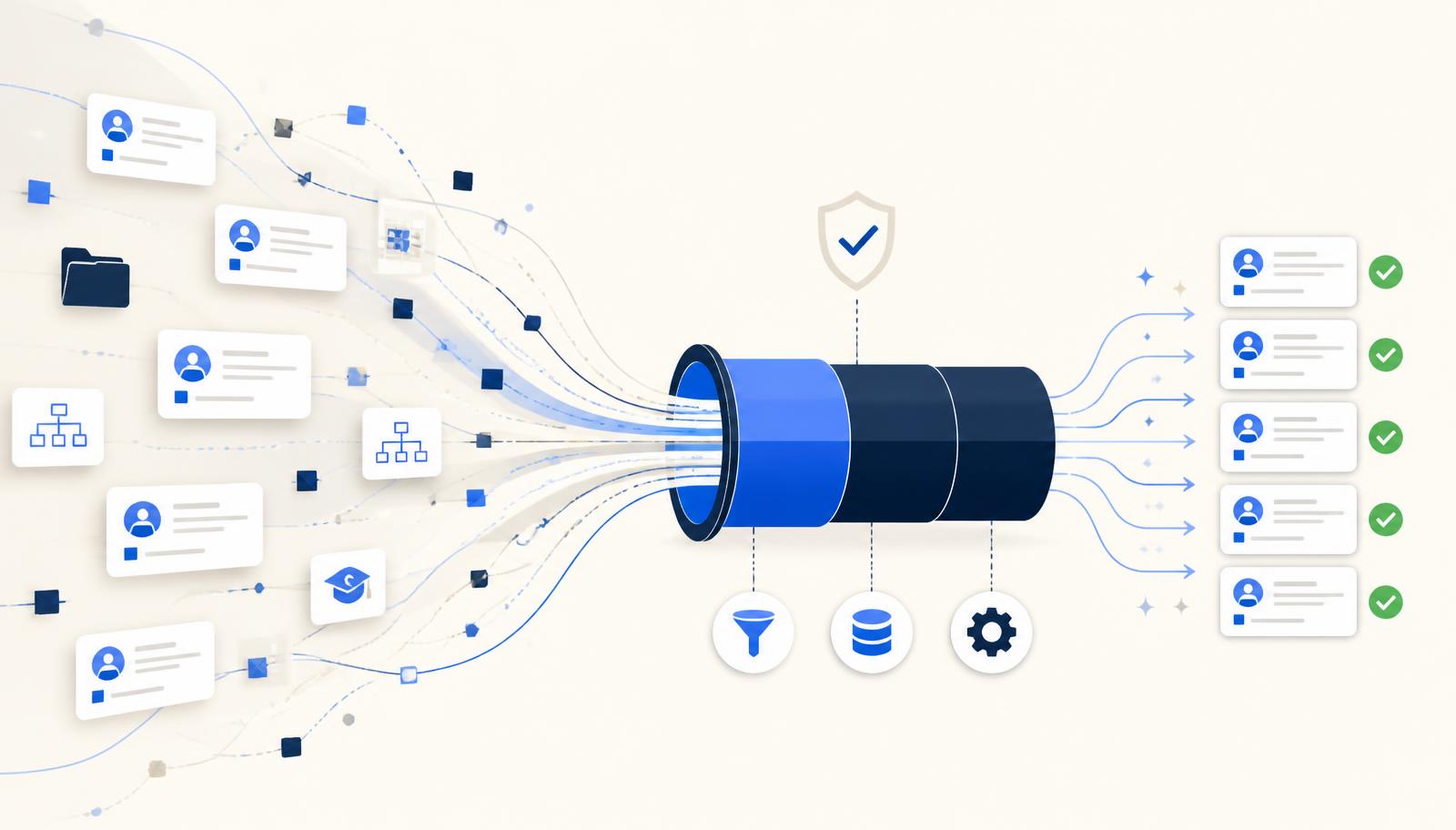
Ask a programme director why a SuccessFactors go-live slipped and you will rarely hear "the configuration wasn't ready". You hear that the first load failed, that payroll couldn't be reconciled, or that nobody could agree which record was correct. Data is the long pole, and it is almost always underestimated because it looks like an extraction task rather than a quality problem.
Across implementations we see the same five failure patterns. None of them are exotic. All of them are cheap to fix in discovery and expensive to fix in cutover week.
Indicative distribution of defects raised during data profiling across recent SuccessFactors programmes. Proportions vary, the ranking rarely does.
1. Incomplete or missing required fields
Employee Central enforces required attributes that legacy HR systems often treated as optional: legal entity, pay group, employment type, manager relationship, work location, and country-specific identifiers. A record that has lived happily in a legacy database for fifteen years will be rejected outright on import.
The trap is volume. A 0.4% completeness gap sounds trivial until it is 180 employees in a 45,000-person organisation, each needing a manual decision from an HR business partner who is already busy with testing.
What to check early
- Profile completeness field-by-field against the target SuccessFactors model, not against the legacy schema.
- Segment gaps by country, legal entity and employee group — gaps are rarely evenly distributed.
- Agree an owner and a default rule for every field with a gap above zero, in writing, before build ends.
2. Duplicate and near-duplicate records
Duplicates arrive from mergers, from re-hires created as new persons, and from parallel systems that were never reconciled. Exact duplicates are easy. The damaging ones are near-duplicates: the same person with a transposed date of birth, a married name, or a national ID recorded with different formatting.
Migrating them creates duplicate person IDs, duplicate org assignments and — the one that gets noticed — duplicate payments.
- Run fuzzy matching across name, date of birth, national identifier and hire date rather than a single key.
- Score and rank candidate matches so HR reviews the ambiguous 2%, not the whole population.
- Record every merge decision as an auditable mapping — you will be asked to justify it later.
3. Inconsistent formats and values
Dates stored as text in four regional conventions. Phone numbers with and without country codes. Job titles typed freehand across two decades: "Snr Analyst", "Senior Analyst", "Sr. Analyst (Grade 4)". Gender and marital status captured with codes that meant something to a system retired in 2011.
Format inconsistency rarely blocks a load outright. It quietly corrupts reporting, breaks integrations, and produces a picklist explosion that makes the new system feel worse than the old one.
4. Mappings that were never validated
Mapping documents are usually built once, in a spreadsheet, by someone reading a legacy data dictionary. They then age badly. Codes get added to the source system mid-project. A target picklist is renamed during configuration. A country is added to scope. The spreadsheet does not know.
The symptom is a load that succeeds technically and is wrong functionally: everyone lands in the default cost centre, or half the workforce inherits an employment type that changes their leave entitlement.
- Validate mappings against live source values on every refresh, not against the dictionary.
- Fail loudly on unmapped values instead of silently defaulting them.
- Version the mapping alongside the configuration so a config change forces a mapping review.
5. Payroll data that has never been reconciled
Payroll is where data quality becomes visible to every employee at once. Year-to-date balances, recurring deductions, garnishments, pension contributions, statutory accruals and retro adjustments all have to land exactly — and they have to reconcile to the penny against the legacy system for the same period.
Teams often plan a parallel run but leave the reconciliation approach vague. Then the first parallel produces 2,000 variances with no way to distinguish a rounding artefact from a genuine defect, and the cycle burns three weeks.
- Define reconciliation tolerances and variance categories before the first parallel run, not after it.
- Reconcile at wage-type level, not just at gross and net totals.
- Test retro and mid-period changes explicitly — they are where most defects hide.
Effort multiplier relative to fixing the same defect during discovery, based on rework observed across delivery phases.
Why early profiling changes the economics
Every one of these problems is discoverable in week two of a programme. The data already exists; nobody has looked at it systematically. What makes profiling feel expensive is the assumption that it requires extracting sensitive HR data into an external tool and waiting for a consultant to produce a report.
It doesn't. Profiling can run where the data already lives, inside your own environment, and produce a prioritised issue list in days. The output is not a slide deck — it is a backlog: which fields, which countries, which records, which owner, in what order.
Fixing a data defect in discovery costs an analyst an afternoon. Fixing the same defect in cutover week costs a steering committee.
Treat data quality as a workstream with its own plan, owner and exit criteria — the same way you treat configuration and testing. Programmes that do this go live on the date they published. Programmes that don't discover their data in the dress rehearsal.
Planning a SuccessFactors programme?
Talk to a senior consultant about your data, your countries and your timeline.