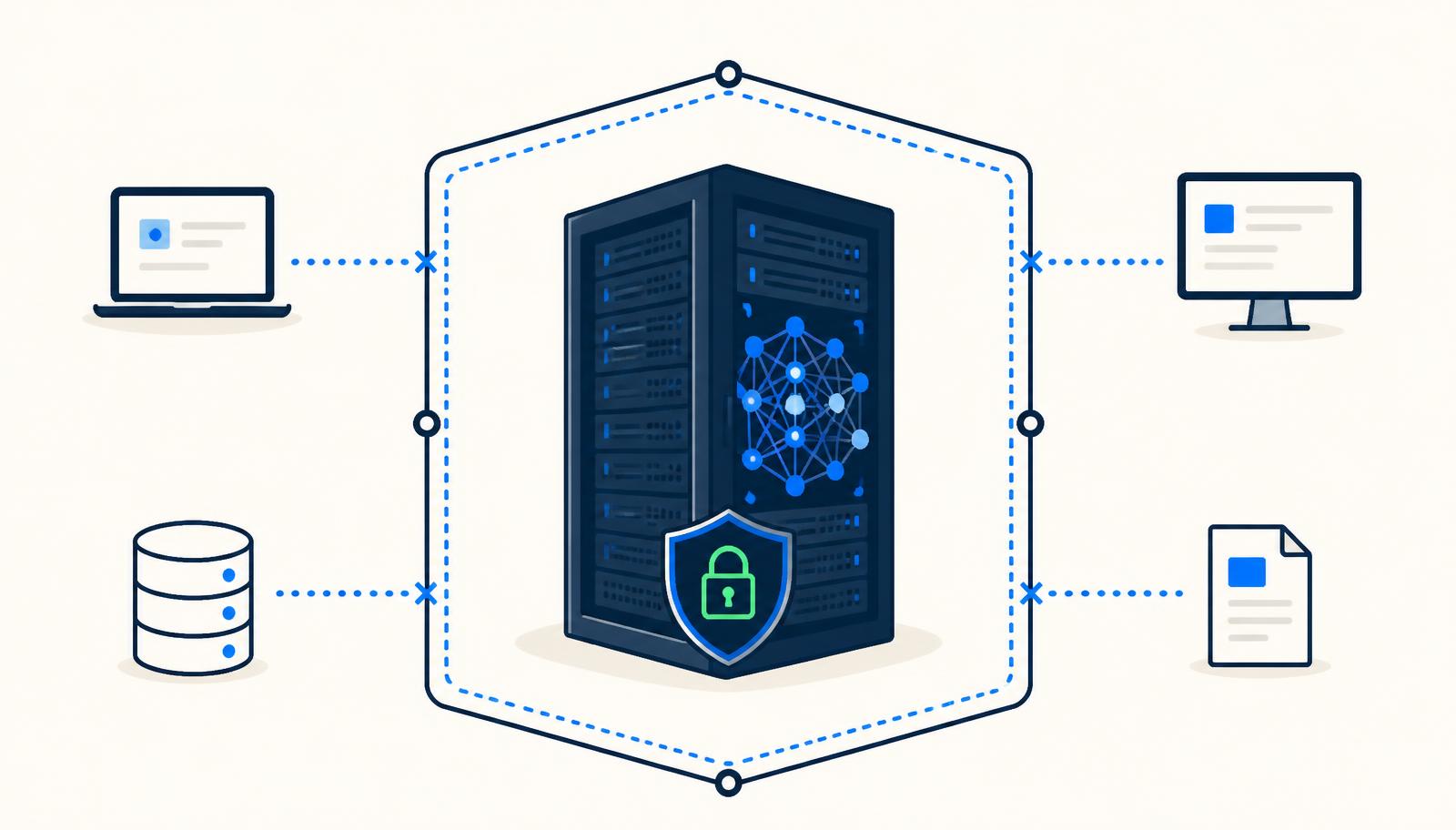
There is a real productivity story in applying AI to SAP data migration, and there is a real privacy problem in how most teams go about it. Both are worth taking seriously, because the trade-off people assume exists — speed or privacy, pick one — is an artefact of tooling rather than a law of nature.
What AI actually accelerates in a migration
The value is not in generating anything creative. It is in pattern recognition across large, messy datasets, which is exactly the work that consumes analyst months.
Profiling
Scanning every column of every legacy source to infer what a field really contains — as opposed to what it is labelled — and surfacing completeness gaps, distribution anomalies, outliers and suspicious defaults. A task that takes a team weeks of SQL becomes an overnight run with a ranked issue list.
Mapping
Proposing source-to-target mappings by comparing field semantics, value distributions and naming patterns against the SuccessFactors or S/4HANA model, then flagging low-confidence proposals for human review. The consultant stops writing the first draft and starts reviewing it.
Transformation
Standardising formats, normalising freehand values into controlled picklists, harmonising codes across merged entities, and clustering near-duplicate records with a confidence score instead of a brittle exact-match key.
Validation
Checking every record against target-model constraints and country-specific rules before load, so failures are found in a validation report rather than in an import log at 2am during cutover.
Typical effort reduction observed when profiling, matching, transformation and validation run automatically over the full dataset rather than sampled by hand.
The privacy problem with cloud AI and HR data
HR data is the densest concentration of personal data in most organisations: names, national identifiers, dates of birth, home addresses, bank details, salaries, dependants, health-related absence, disciplinary records. Much of it is special-category data under UK and EU GDPR.
Pasting samples into a general-purpose AI assistant, or uploading extracts to a SaaS data-quality platform, creates problems that are hard to unwind:
- You have made a transfer to a third-party processor, which needs a lawful basis, a data processing agreement and often a transfer mechanism.
- You lose control over retention — data used to improve a vendor's models may not be recallable.
- You may breach a works council agreement or a country-specific restriction that never contemplated external processing.
- You expand your breach surface to include a vendor whose security posture you do not control.
- You will be asked, in due diligence or audit, to explain exactly where employee data went. "A cloud AI tool" is not a comfortable answer.
None of this means AI is off the table. It means the data should not leave.
The local alternative
With local processing the only artefacts that travel are profiling, mapping and validation outputs — and those can be aggregated or pseudonymised.
A local approach inverts the architecture: instead of moving the data to the intelligence, you move the intelligence to the data. The models, rules and processing run inside the client's own network — on their infrastructure, within their security boundary, under their existing controls.
- Employee records never leave the environment they are already governed in.
- No new processor, no new transfer mechanism, no new DPA to negotiate mid-project.
- Existing access controls, logging and retention policies apply unchanged.
- Outputs — profiling reports, mapping proposals, validation results — are the only artefacts that travel, and they can be aggregated or pseudonymised.
The practical objection is capability: can locally-run models do useful work? For this class of problem, yes. Migration tasks are structural — schema inference, value clustering, format normalisation, rule-based validation, similarity matching. They do not require a frontier model; they require good engineering, domain knowledge of the SAP target model, and enough compute to run over millions of rows.
What to ask a vendor
If someone proposes AI-assisted migration, the questions that matter are simple and specific.
- Where does the processing physically run, and can it run inside our network?
- Does any employee data — including samples, prompts or logs — leave our boundary at any point?
- What exactly is retained, where, and for how long?
- Can we audit the transformations and reproduce every decision?
- Which steps are automated and which still require a human sign-off?
If a vendor cannot answer where your employee data is processed in one sentence, that is the answer.
Speed and privacy are not in tension here. The acceleration comes from applying the right techniques to structured problems; the exposure comes purely from a deployment choice. Change the deployment choice and you keep the benefit — with your employees' data exactly where it started.
Planning a SuccessFactors programme?
Talk to a senior consultant about your data, your countries and your timeline.